How to Open HEIC Files on Windows
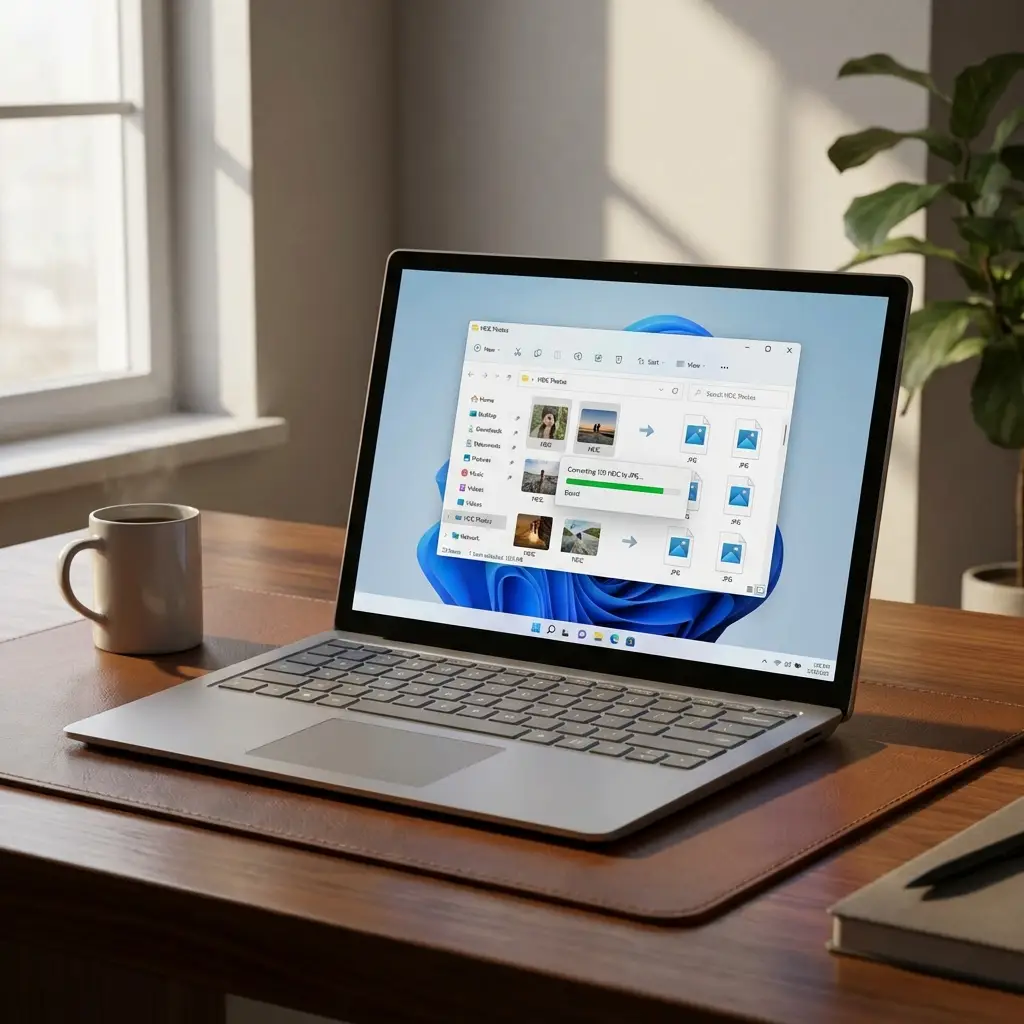
Can't open iPhone photos on your Windows PC? Here are 3 easy methods to view and convert HEIC files on Windows 10 and 11.
Why Can't Windows Open HEIC Files?
Since iOS 11, iPhones save photos in HEIC format to save storage space. Windows doesn't support HEIC natively without additional codecs, which is why you see "unsupported file format" errors when trying to open iPhone photos.
Method 1: Use Our Free Online Converter (Recommended)
Best for: Quick conversions, privacy-conscious users, no installation
Steps:
- Visit heictojpgconverter.io
- Drag and drop your HEIC files (or click to browse)
- Click "Convert" - conversion happens instantly in your browser
- Download your JPG files individually or as a ZIP
✓ Privacy: All conversion happens locally in your browser. Your images never leave your computer.
Method 2: Install Microsoft HEIF Image Extensions
Best for: Users who want native Windows support, frequent HEIC viewing
Steps:
- Open Microsoft Store on your Windows PC
- Search for "HEIF Image Extensions" or "HEVC Video Extensions"
- Click "Get" to install the free extension
- Restart your PC
- HEIC files will now open in Windows Photos app
Windows HEIC Solutions Compared
| Method | Advantages | Disadvantages |
|---|---|---|
| Online Converter | Fast, private, no install, batch conversion | Requires internet (first load) |
| MS Store Extension | Native support, automatic | May cost $0.99, setup required |
| Change iPhone Settings | Prevents future HEIC files | Larger file sizes, doesn't fix existing files |
Common Questions
Will converting HEIC to JPG reduce quality?
Not significantly. If you convert at 90-100% quality, the visual difference is imperceptible to the human eye. Our converter defaults to 90% quality which maintains excellent quality.
Why are my iPhone photos HEIC instead of JPG?
Apple switched to HEIC in iOS 11 (2017) because it offers better compression while maintaining quality, saving storage space on your iPhone. However, HEIC isn't as widely supported as JPG.
Can I convert HEIC to PNG instead of JPG?
Yes! Our converter supports JPG, PNG, and WEBP output formats. PNG is ideal if you need lossless compression or transparency support.
Ready to Convert Your HEIC Files?
Free, fast, and private. No installation required.
Start Converting Now