HEIC vs JPEG: Complete Quality Comparison

Should you keep HEIC or convert to JPEG? Here's everything you need to know about both formats including quality, file size, and compatibility.
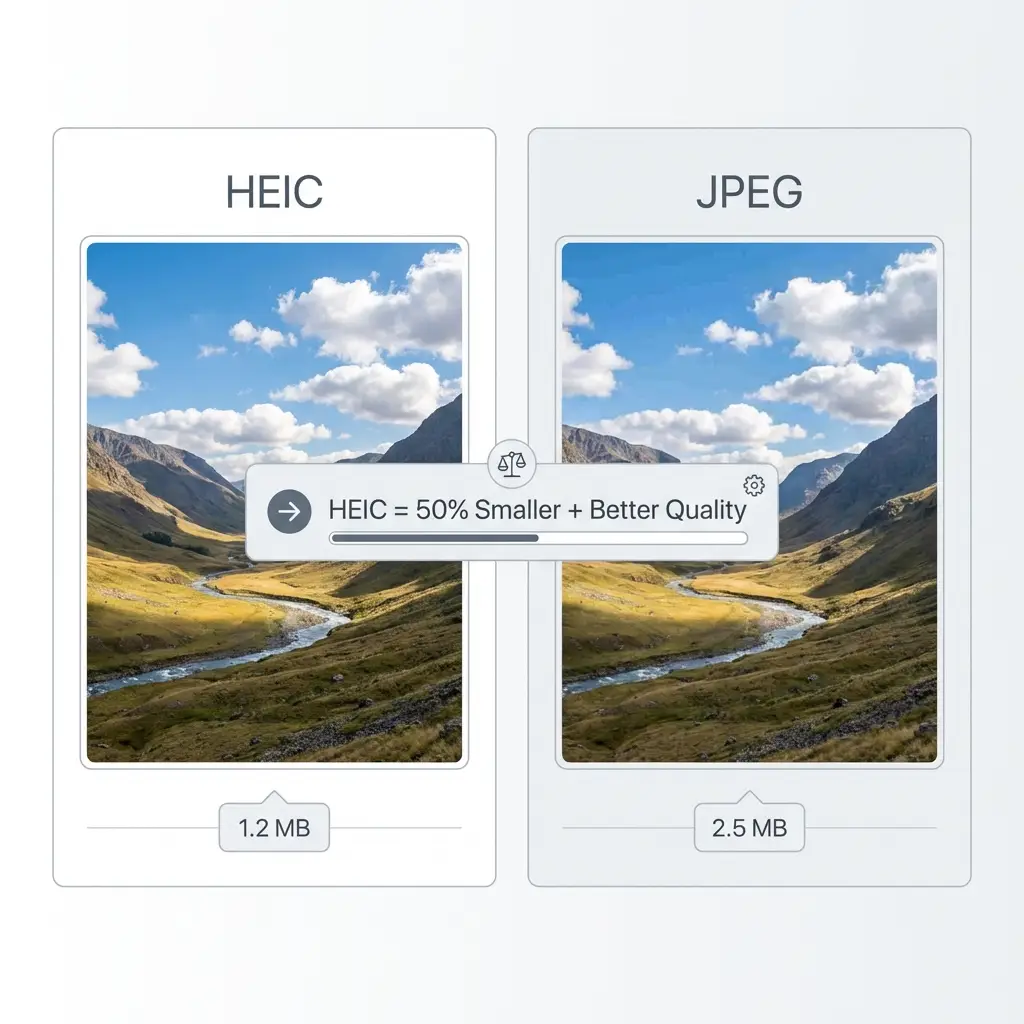
Quick Comparison

🍎 HEIC

  • 50% smaller file sizes
  • Better compression technology
  • Limited device support
  • Apple devices only (mostly)

📷 JPEG

  • Universal compatibility
  • Works everywhere
  • Larger file sizes
  • Industry standard since 1992

Feature-by-Feature Comparison

FeatureHEICJPEG
File Size~50% smallerBaseline (100%)
Image QualityExcellent (HEVC-based)Very Good
CompatibilityLimited (Apple, iOS 11+)Universal
Windows SupportRequires codecNative
Web SupportVery limited100% support
Email AttachmentsOften blockedAlways works
TransparencyYesNo
Multiple ImagesYes (sequences)No
Editing SoftwareLimited supportUniversal support

Image Quality: The Technical Details

HEIC Quality Advantages

HEIC uses the HEVC (H.265) video codec for still images, which provides:

  • Better compression: Same visual quality at half the file size
  • 16-bit color: More color information than JPEG's 8-bit
  • Better detail preservation: Less compression artifacts
  • Transparency support: Like PNG but with better compression

When Quality Differences Matter

In practical terms, you'll notice HEIC's quality advantages when:

  • Zooming in on photos (HEIC preserves more detail)
  • Images with gradients (HEIC has less banding)
  • Editing and re-saving (HEIC degrades less)
  • Low-light photos (HEIC handles noise better)

File Size Comparison: Real Examples

Example: 12MP iPhone Photo

Original HEIC:1.5 MB
JPEG (100% quality):3.8 MB
JPEG (90% quality):2.2 MB
JPEG (80% quality):1.4 MB

Recommendation: Convert HEIC to JPEG at 90% quality for the best balance of quality and compatibility. File will be ~40% larger but still maintain excellent quality.

When to Use Each Format

Keep HEIC When:

  • Storing photos on your iPhone (saves space)
  • Sharing with other iPhone/Mac users
  • You have limited storage space
  • You need maximum quality in minimum size
  • Using iCloud Photo Library

Convert to JPEG For:

  • Sharing with non-Apple users
  • Uploading to websites or social media
  • Email attachments
  • Printing services
  • Editing in non-Apple software
  • Viewing on Windows/Android devices

Common Questions

Does converting HEIC to JPEG lose quality?

Yes, technically, but the loss is minimal if you use 85-100% quality. At 90% quality, the difference is imperceptible to the human eye in most photos. The gain in compatibility is usually worth the small quality tradeoff.

Will HEIC replace JPEG?

Unlikely in the near future. JPEG has 30+ years of universal support. While HEIC is technically superior, JPEG's compatibility advantage is enormous. A new universal format (like AVIF or JPEG XL) might eventually replace both.

Can I convert JPEG back to HEIC?

Yes, but there's no benefit. Converting JPEG to HEIC won't restore lost quality or reduce file size significantly. It's like converting MP3 to FLAC—the original quality is already lost.

Which format is better for professional photography?

Professional photographers typically use RAW formats (like DNG, CR2, NEF) which preserve all camera data. For delivery to clients, JPEG is standard due to universal compatibility. HEIC is great for personal use but problematic for professional delivery.

Need to Convert HEIC to JPEG?

Convert with 90% quality for the perfect balance of quality and compatibility.

Convert HEIC to JPEG Now